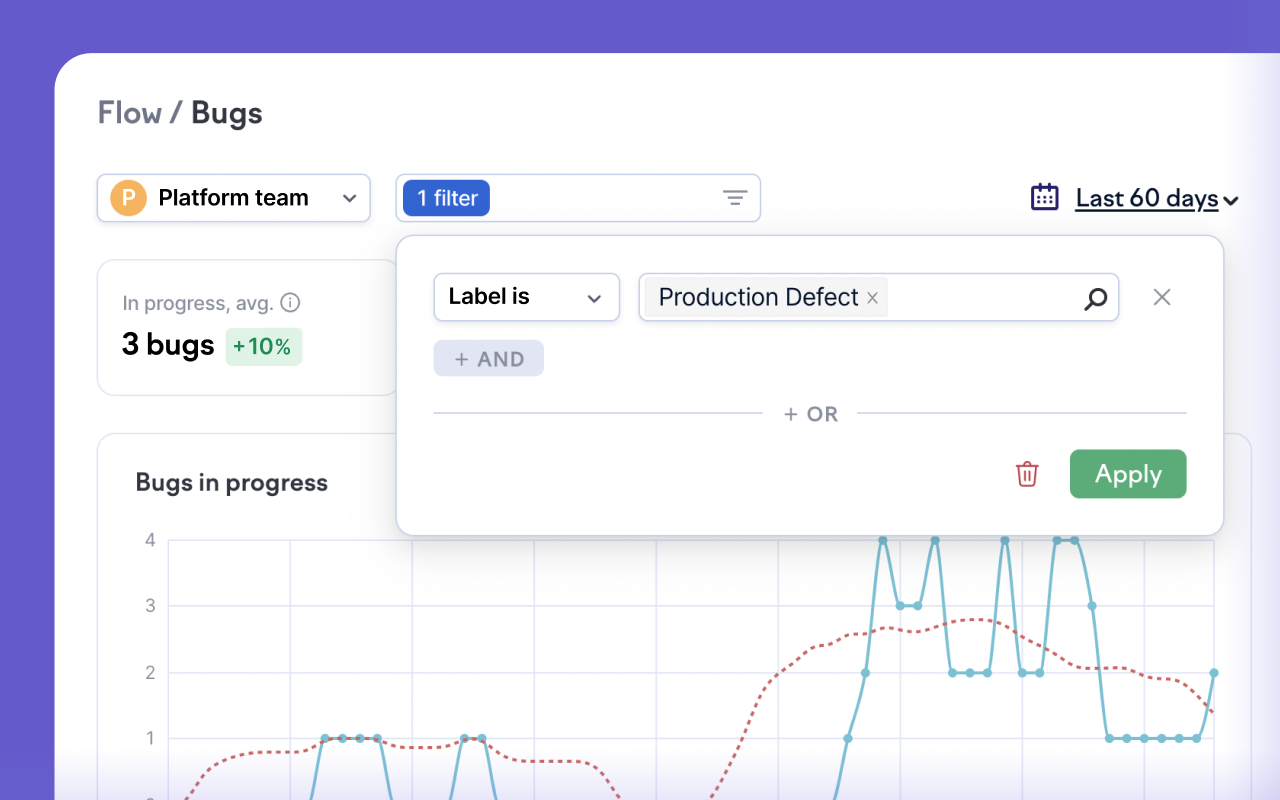
We continue to introduce flexible data filters across the app. In addition to investment category filters, team ownership, and PR exclusions, you can now use filters in issue insights to filter data by label, status, issue key, and issue type. Now it's easy to slice the data in various ways and dive deeper into different categories of work.
The filters are saved in the URL, so you can bookmark or share what you see in Swarmia with others.
More updates
If you want to limit unsanctioned code pushes to the default branch (master, main), check out our updated working agreement. It now alerts you on code pushes in the last 24 hours, while listing all commits pushed directly to the default branch over a two-week window.
In Work Log, we made the dots for large commits bigger to help you spot major code contributions easier.
Pull requests that you've excluded from metrics and alerts are now also excluded from Work Log and Investment Insights.
Subscribe to our newsletter
Get the latest product updates and #goodreads delivered to your inbox once a month.