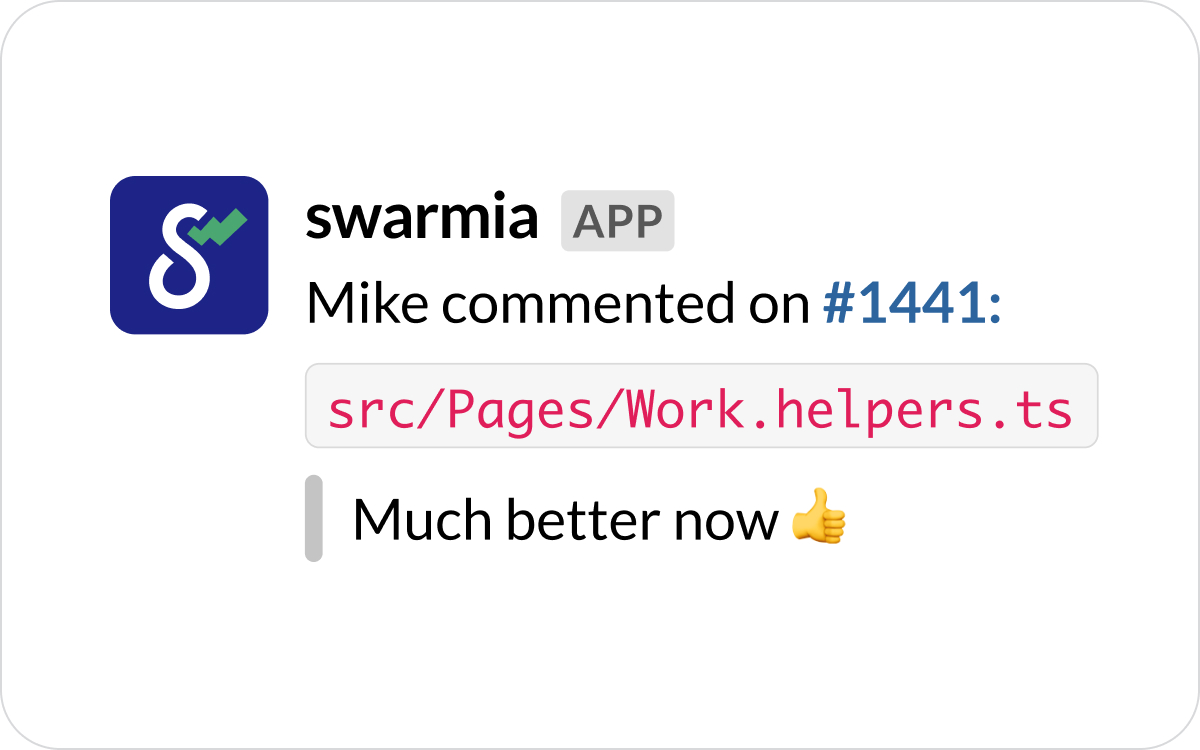
Sometimes a PR in review might get a lot of comments, but they're all just observations. Now you can immediately tell from the Slack notification if your PR is good to go or has anything left to improve. Configure personal notifications here.
Don’t miss new comments in PR review threads you respond to
In a well-functioning team, PR reviews move forward fast, and resolving issues highlighted in review is a priority. Now, as you reply to a PR review thread, you will get notified about all new comments until the thread is resolved.
Bot PRs get a new home
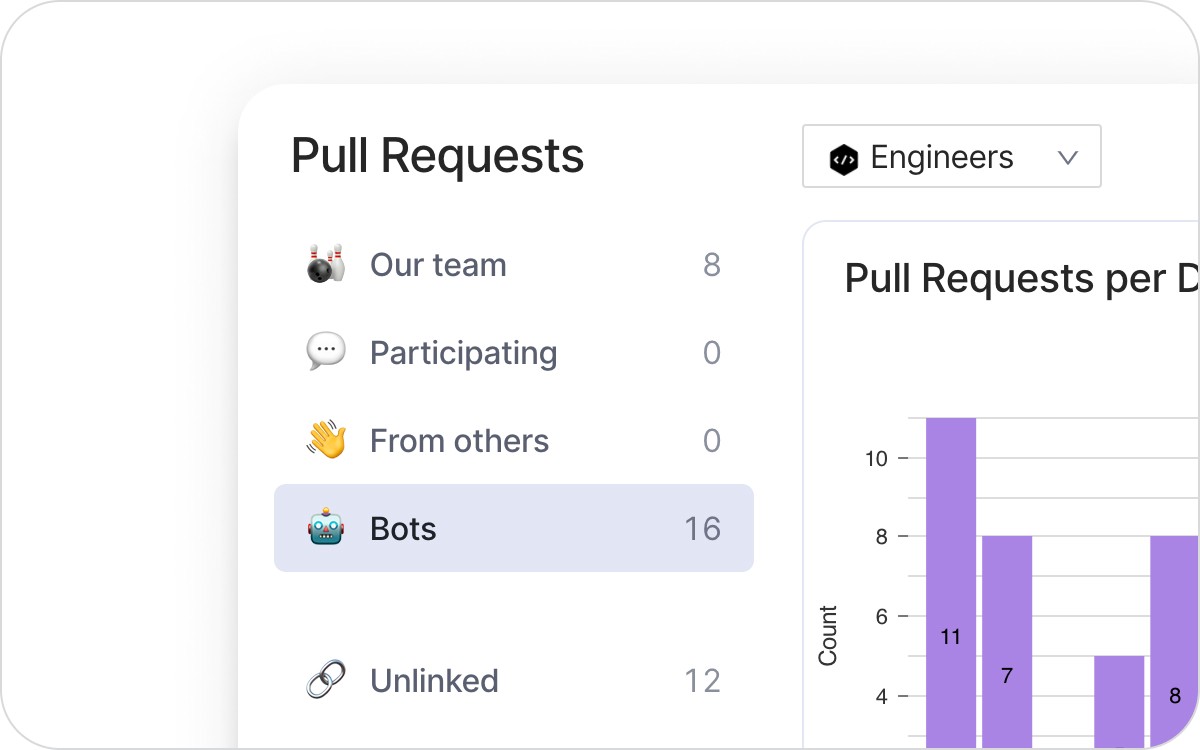
Following up on the latest updates to the PR overview helping you manage your team’s PR inbox, we’ve added a new section for bot-created PRs.
For all bot users in your GitHub organization, you should be able to see their contributions in Swarmia already. You can also assign bots manually in contributor settings.
Other improvements
Swarmia holds internal security reviews, and a staff security training every six months. Latest review took place in December 2020.
You can now get Swarmia team updates & daily digest not only in public but also in private Slack channels. Use our guide to get started.
Now you can see the weekly number of bug fixes in Work Log.
PRs labeled as bugs now appear in the bugs lane in Work Log even if not linked to an issue.
Subscribe to our newsletter
Get the latest product updates and #goodreads delivered to your inbox once a month.